01
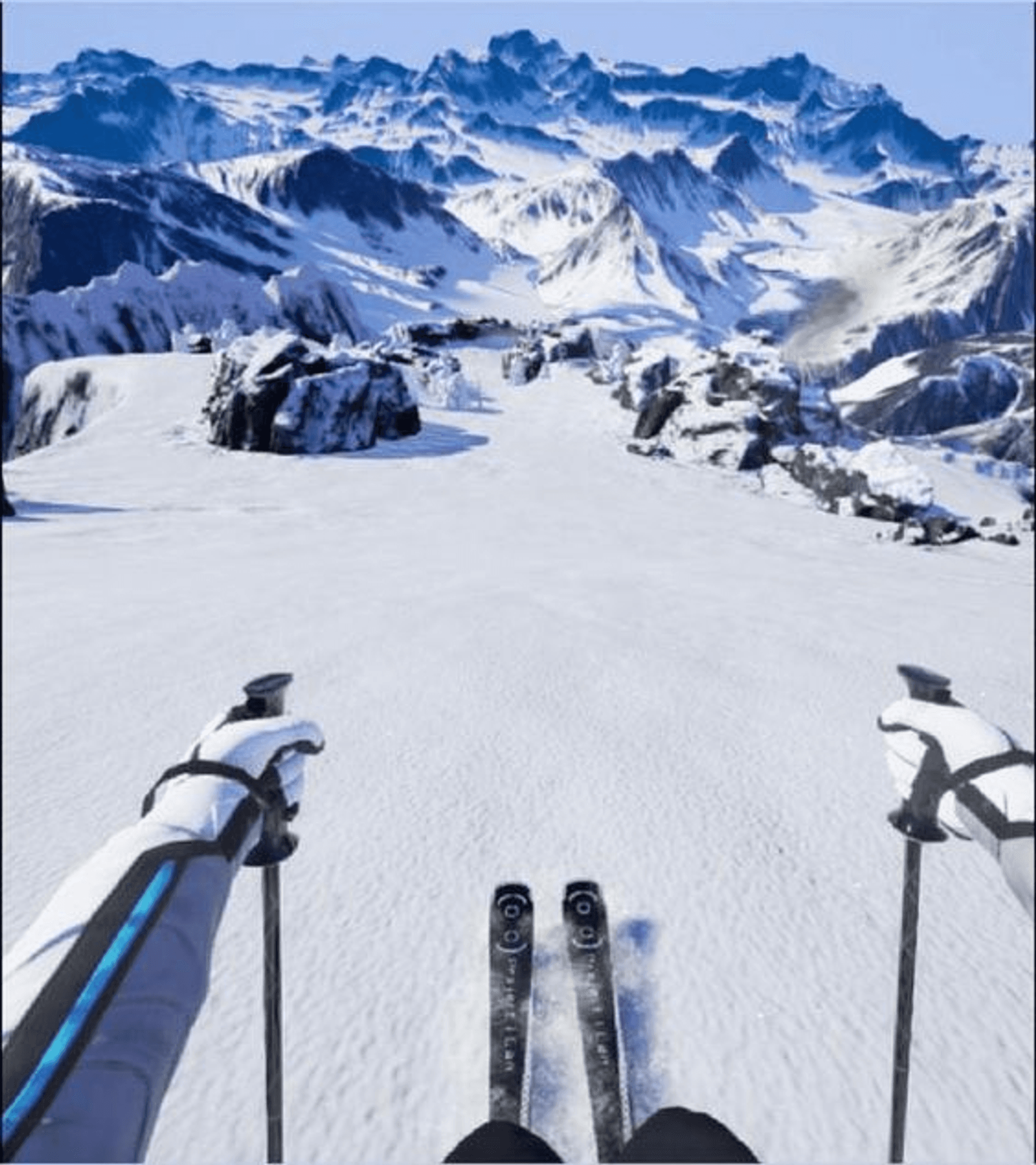
This project is pretty exciting. Think about skiing - the rush of going down a mountainside, the cool crisp air on your face, the stunning views all around. Now imagine doing all of that without even stepping outside your house. I designed a virtual reality game that lets you go skiing. You put on a headset, and suddenly, you're on top of a snowy mountain, skis at your feet, ready to take off.
02
My project idea originated from an exercise of exploring potential affordances from an oculus controller. I brainstormed various ways the controllers could be used as different props in Virtual Reality. Through this exercise, I discovered how the controllers could serve as a kayaking paddle, a cricket bat, and other interesting items. This exploration led me to the intriguing idea of using the controllers as ski poles to create a skiing experience for Virtual Reality users.
03
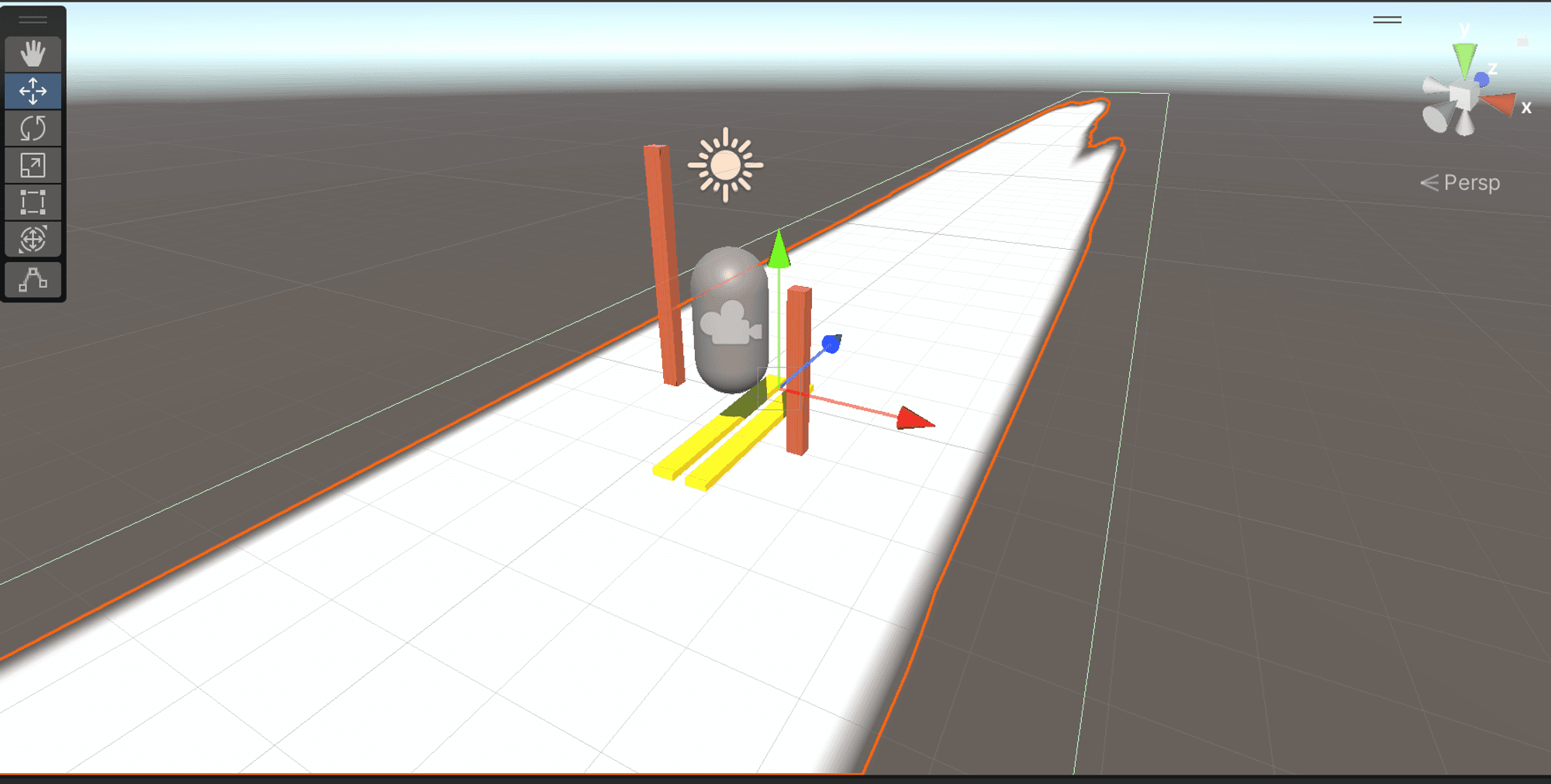
I used Unity to create this project, conceptualizing the look and feel of the skiing experience from the ground up.
Ski Poles Attachment: The ski poles are a child object of the left hand and right controller. (Child Parent Relationship)
Track: Will add a prefab of terrain consisting of a slope with a collider turned on.
Movement and Direction: By using the rotation of the VR controllers, with the ski poles attached to control the direction of the player character.
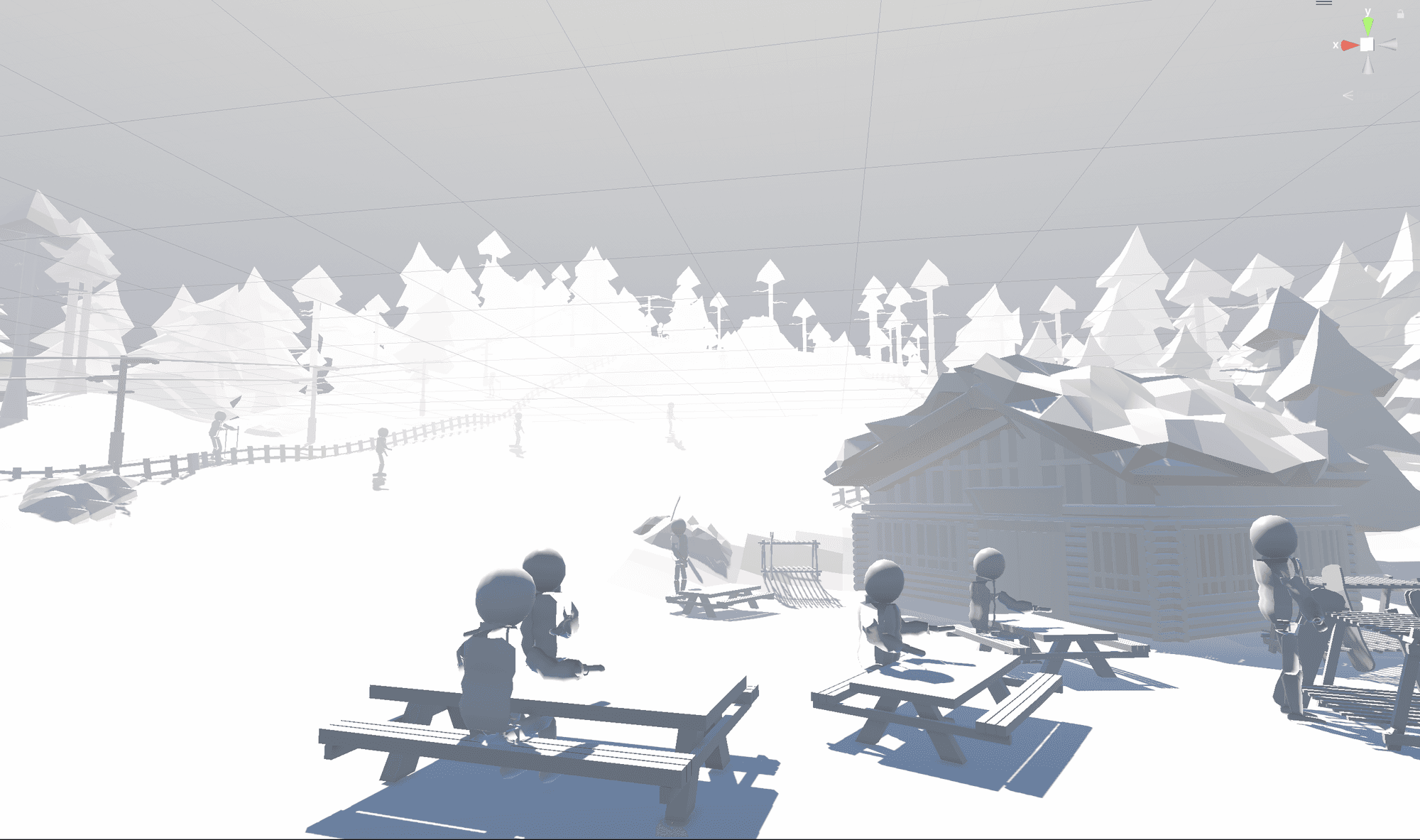
I started by scripting the VR controllers to function as ski poles. Gradually, I developed the environment to emulate the feel of a snowy mountain, adding intricate details and unique shades of white and grey to create an authentic and immersive experience.
04
The feedback from my colleagues was overwhelmingly positive after testing the prototype. They expressed genuine enthusiasm for the immersive environment, noting how the snowy mountain setting and subtle details created a realistic and engaging experience. Their enjoyment validated the effort put into crafting a compelling virtual skiing adventure.